
IPNITE PATENT GUIDE
How to Search for Existing Patents
A good patent search combines several databases and techniques: concepts and synonyms, classifications, citations, and patent families.
 IPnite
Free databases worth knowing
- Google Patents: fast full-text search with machine translation
- Espacenet (EPO): worldwide coverage and patent families
- PATENTSCOPE (WIPO): PCT applications and national collections
- USPTO Patent Public Search: U.S. patents and applications
- National offices such as IMPI, INPI Argentina, and INPI Brazil for local documents
Search by concept, not just by word
Different documents describe the same thing with different words. List the essential features of your invention and several synonyms for each. Combine them in queries, and read the most relevant results to discover more terminology.
Use classifications
The International Patent Classification (IPC) and the Cooperative Patent Classification (CPC) group documents by technology. Once you find a relevant document, look at its codes and search within them—you will find documents that use completely different language.
Follow citations and families
Every relevant document points to others: the references it cites and the later documents that cite it. A patent family groups the filings of the same invention in several countries, which helps you read the version in your language and see where it is protected.
Keep a record
Save the queries you ran, the databases, the date, and why each relevant document matters. That record makes the search reproducible and useful for drafting and for professional review.
Get your application ready to file
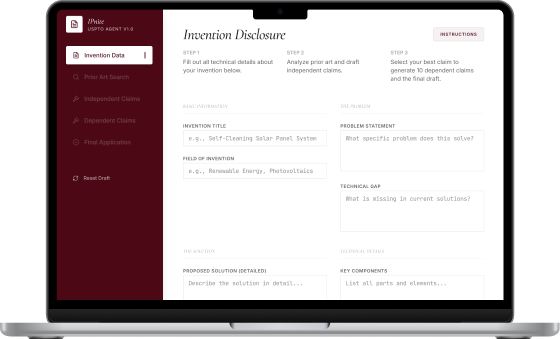
Explore a Search Strategy Preview or Draft Preview with your own invention. The 7-day free trial does not include a complete search or a final refined, exportable application. No credit card and no automatic charges.
Try IPnite free